Your receipts, income
and tax in one place.
Scan receipts, add invoices and payout statements, log your trips and track warranties. Tax Lab sorts it all for tax, free, in Australia, Canada, New Zealand, the UK, the US and across the European Union.
Supported countries
Free to download · 20 AI scans a month on a free account, or 5 as a guest with no sign-up

Good afternoon, Alex
2 returns closing this week
November 2026
Total spending
$654.79
16 receipts · avg $40.92
Total: $654.79
No tax expenses yet
Recent receipts
View all
Coles
27 Aug 2026
$35.90
Morrisons
8 Nov 2019
$60.82
£32.61
Walmart
26 July 2021
$40.39
US$29.73
20 Apr 2026 · ABN 18 634 872 743
Actions
3 items · $412 cover
Money out, money in, and tax time sorted.
Built for everyday shoppers, sole traders, freelancers, tradies, contractors, rideshare and delivery drivers, hosts, and landlords across Australia, Canada, New Zealand, the UK, the US, and all 27 European Union countries.
AI tax assistant: help with your returnPremium
Paste a page of your tax return or ask about your records in Tax Lab, in the app or on the web portal. Bilbx connects each item to your saved income, expenses and category totals, suggests what to tick and enter, and lets you copy any figure straight into your return across Australia, Canada, New Zealand, the UK and the US.
Money out: receipts read for you
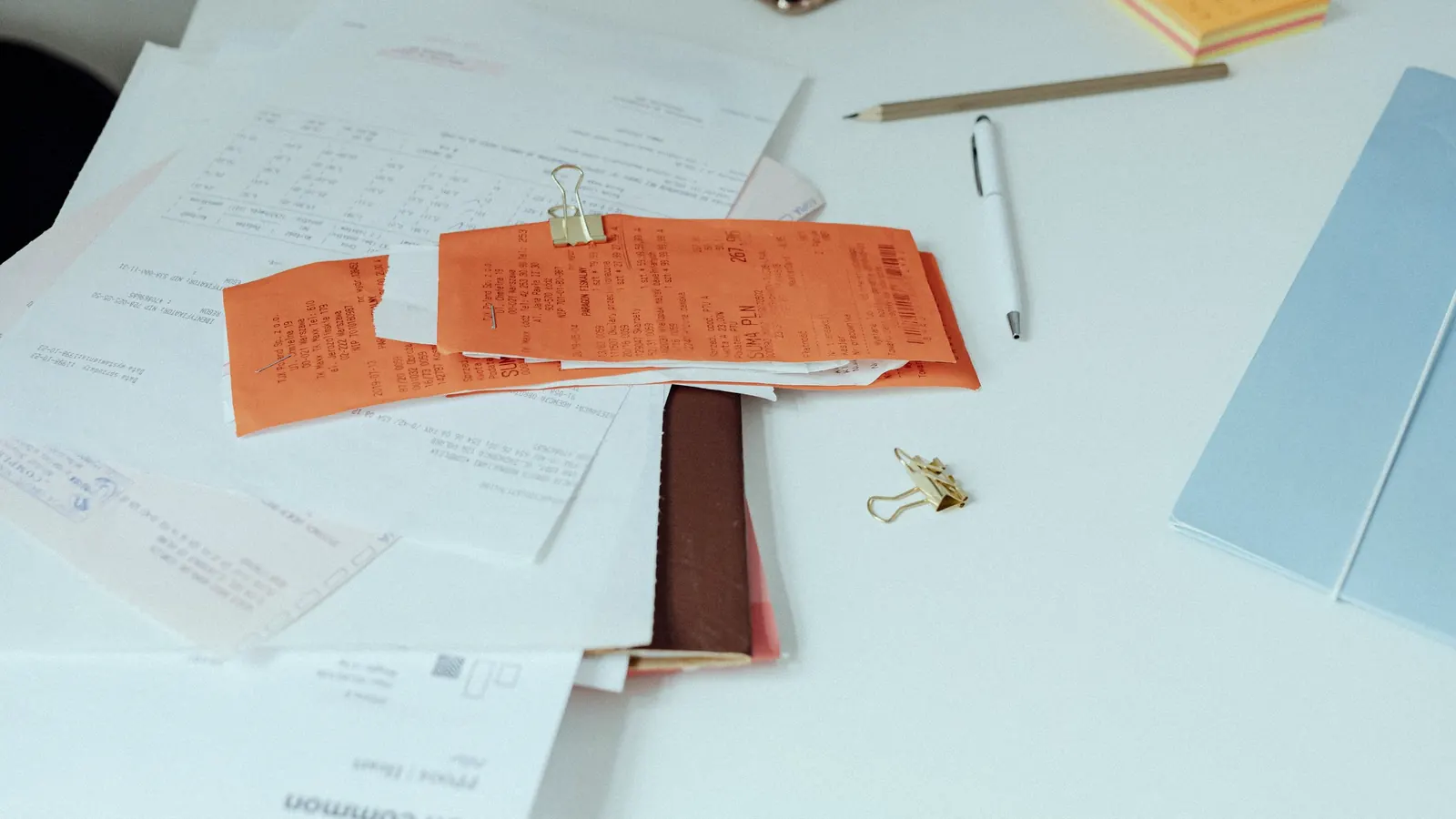
Point your camera at a till slip, upload a PDF, or forward emailed receipts to your @bilbx.com address. Bilbx extracts the merchant, date, total, tax, currency, and every line item so you can search by individual product.
Money in: invoices and payout statements
Add client invoices, platform payout statements, or remittance advice as photos, PDFs, or emails. Bilbx records gross earnings, keeps platform fees as an expense, and saves printed statement distance alongside the original document.
Tax Lab, free: your return's figures
Sort expenses into ATO deductions, Canadian T2125 lines, New Zealand IR10 categories, UK Self Assessment (SA103 boxes 11 to 19), US Schedule C or European Union business expenses with VAT tracked as printed. Review receipts by category, split mixed purchases, set business-use percentages, and get your tax year's totals ready for your return, with Premium CSV and ZIP exports for your accountant.
A free vehicle logbook and mileage log
Start a trip and end it when you arrive, log trips between two postcodes with the distance worked out for you, or snap the odometer for Bilbx to read. Keep your country's logbook period, work out your vehicle's business use, fill in your mileage or kilometre claim in Tax Lab, and export the log as a CSV or PDF.
Group receipts and income into projects
Keep all the receipts and income for a client job, renovation, rental property, or trip in one project, with a running total against an optional budget and a one-click CSV export.
Track returns and warranties
Keep proof of purchase ready when something breaks. Record return windows and warranty periods on any purchase and get reminded before they expire.
Scanning, Money in, search, projects, currency conversion, return and warranty reminders, tax categories, business and personal receipt splitting, business-use percentages, the vehicle logbook and Tax Lab preparation are free. Tax Lab report exports and the AI tax assistant are part of Premium.
See every tax rule and threshold Bilbx applies beside the regulator's own words, or compare Free and Premium plans.
Bilbx Learn
Know what your receipts and records are worth
Straight answers on returns, warranties, self-employed income, and tax records across Australia, Canada, New Zealand, the UK, and the US - sourced directly from the ATO, CRA, Inland Revenue, HMRC, the IRS, and consumer regulators, with a review date on every page.
Common questions
Does Bilbx have an AI tax assistant?
Yes. Premium's Help with your return is available in Tax Lab in the app and on the web portal for Australia, Canada, New Zealand, the UK and the US, with chats synced between your phone and the web. Paste the text of a tax return page, or ask about your records, and Bilbx connects each item and tick-box to your saved income, expenses and Tax Lab category totals, suggests what to tick and enter, and lets you copy any amount straight into your return. Tax Lab is free; the assistant and CSV or ZIP tax report exports are included with Premium.
Can I do my UK Self Assessment return with Bilbx before 31 January?
Yes. Snap or forward your receipts, invoices and platform payout statements: Bilbx reads them, pulls out the VAT and sorts expenses into HMRC's SA103 categories (boxes 11 to 19). Split mixed purchases, set business-use percentages for phone or broadband, and log your business journeys in the free mileage log for HMRC's flat rate per mile (45p for the first 10,000 miles in 2025 to 2026, 55p from 6 April 2026, 25p after 10,000). Tax Lab totals your 6 April to 5 April tax year box by box for free, ready to enter into your return. Premium adds the AI tax assistant and CSV or ZIP report exports for your accountant.
Who is Bilbx built for?
Anyone who keeps receipts, income documents or proof of purchase in Australia, Canada, New Zealand, the UK, the US or across all 27 countries of the European Union: sole traders, freelancers, tradies, contractors, rideshare and delivery drivers, hosts, landlords, employees claiming work-related deductions where their country allows it, and people who spend or file in more than one country.
Does Bilbx work in Europe and the European Union?
Yes. Bilbx is available on the App Store, Google Play and the web portal across all 27 European Union member states. It reads receipts and invoices in any European language, captures VAT as printed across local labels (including VAT, TVA, MwSt, USt, IVA, BTW, Moms, ALV, ÁFA, DPH, PDV, PVM, PVN, DDV, KM, ΦΠΑ and ДДС), and tracks spending in euros (EUR) plus Czech koruna (CZK), Danish krone (DKK), Hungarian forint (HUF), Polish złoty (PLN), Romanian leu (RON) and Swedish krona (SEK). Free Tax Lab brings business expenses, VAT totals, mixed-receipt splits, standing business-use shares and a kilometre vehicle logbook together by calendar year or VAT filing period, and Premium adds CSV and ZIP exports for your accountant.
Can Bilbx record my income as well as my receipts?
Yes. Money in is free in the app and on the web portal. Add an invoice you sent, a platform payout statement or a remittance advice as a photo, PDF or forwarded email, or enter a payment directly. Bilbx reads who paid, the amount, the date, the currency and any GST or VAT, and keeps the original document with the record.
How does Bilbx handle rideshare, delivery or platform payout statements?
Upload or email the statement to Money in. Bilbx records your gross earnings as income, keeps the platform's fee separately so Tax Lab counts it as an expense, and saves any distance printed on the statement with its unit (km or miles), ready to add to your logbook. Claim car expenses at Australia's cents per kilometre rate, the UK's flat rate per mile or the US standard mileage rate, or by a business-use share backed by your logbook.
Can I email receipts and invoices to Bilbx?
Yes. Every account gets its own @bilbx.com address, plus an address for income documents. Forward receipts, bills, invoices or payout statements by hand or with an automatic forwarding rule in Gmail, Outlook or iCloud Mail, and Bilbx reads the email and any PDF or photo attachments.
Can Bilbx split a receipt between business and personal use?
Yes. Claim only some of the items on a receipt, claim a set amount of it, or set a standing business-use percentage for a category, such as 60% of every phone bill. You can note the basis for the percentage: a logbook, a usage diary or floor area.
How does Bilbx help with Australian, UK, US, New Zealand and Canadian tax?
Bilbx sorts expenses into your country's tax return categories: Australian ATO deductions (with BAS quarters and GST to pay or refund), UK Self Assessment categories (SA103 boxes 11 to 19), US Schedule C lines, New Zealand IR10 categories (with 15% GST by filing period), and Canadian Form T2125 expense lines (with GST, HST, PST or QST read from each receipt). Tax Lab brings your income and claimed expenses together by tax year for free, ready to enter into your return. Premium adds the AI tax assistant and CSV or ZIP exports for your accountant.
Is Bilbx's Tax Lab free?
Yes. Tax Lab is free in the app and on the web portal: your country's tax categories, business and personal splits, business-use percentages, the vehicle logbook, big purchases and totals by tax year, filing period or any dates you pick, ready for your return. Premium adds the AI tax assistant and CSV and ZIP report exports for your accountant.
Does Bilbx have a vehicle logbook or mileage log?
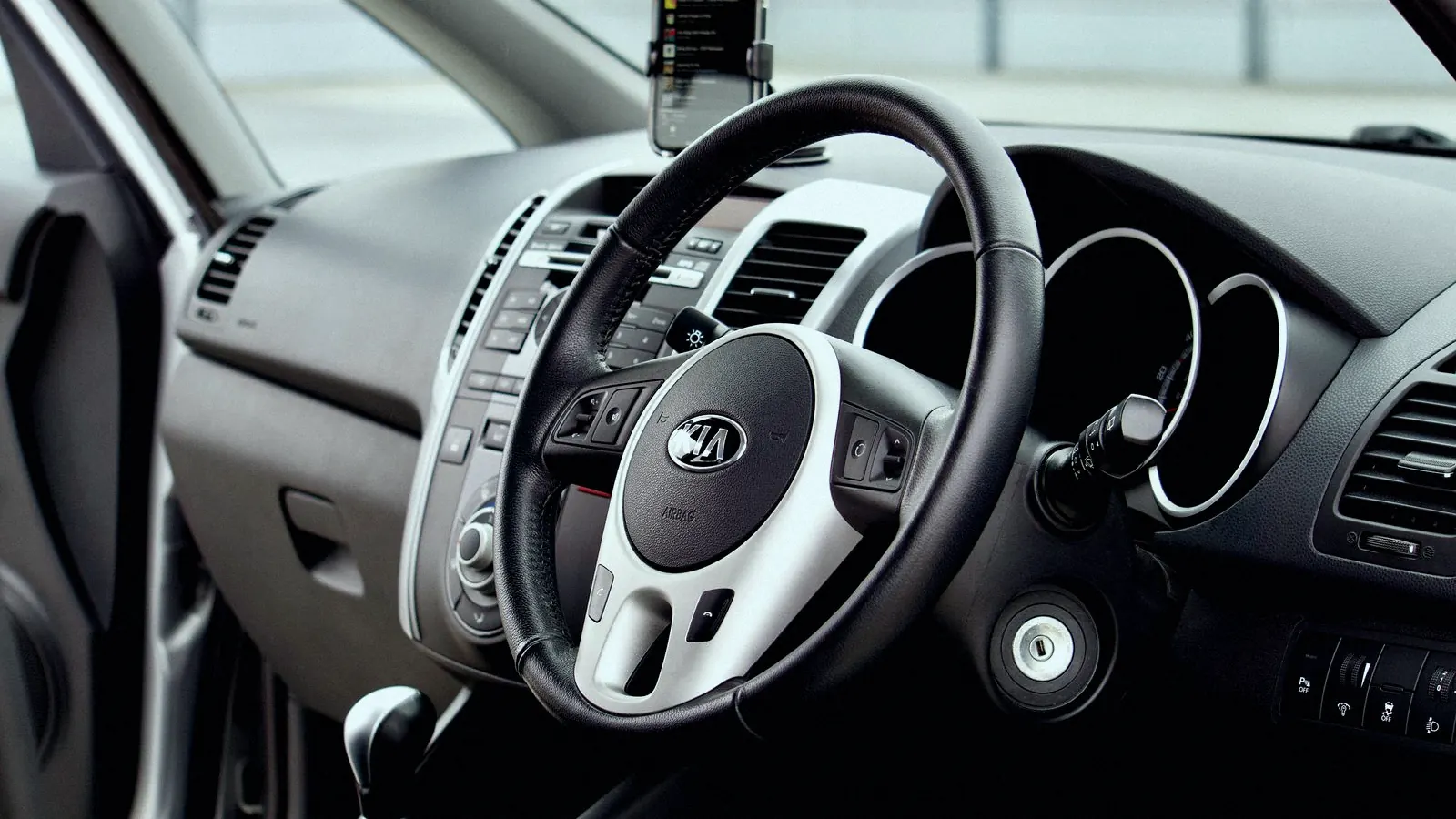
Yes, a trip-by-trip logbook, free. Each trip records its date, the odometer at the start and the end, the distance, where you went and why, and whether it was business or private, with the odometer carried forward from the last trip and regular trips saved. Snap the odometer and Bilbx reads it. Start a trip at the odometer and end it when you arrive, or log it between two postcodes (ZIP or postal codes in the US and Canada), filled from your location, with the distance worked out. Log your business trips and add the odometer now and then: Bilbx works out your private driving and your business-use percentage from it. Keep the logbook period your country asks for: 12 continuous weeks in Australia, 90 days in New Zealand, a year and then a three-month sample in Canada. When it is finished, its business-use percentage becomes your vehicle's rate in Tax Lab. Your business trips also fill in the car claim at Australia's cents per kilometre rate, the UK's flat rate per mile or the US standard mileage rate. The logbook exports as a CSV or PDF with the period, the odometer readings and every trip.
What are projects in Bilbx?
Projects let you group receipts and income for a specific job, home renovation, rental property, car repair or trip. Each project shows a running total against an optional budget, breaks spending down by category, lets you split a receipt across projects, and exports as a CSV. Projects are free.
Does Bilbx work with foreign currencies?
Yes. A foreign receipt or income record is converted to your account's currency at the exchange rate for the date, and the printed amount is kept alongside. Foreign tax, such as overseas VAT, is kept out of your domestic tax claims.
How long do I need to keep receipts for tax?
In Australia, the ATO generally requires records for 5 years from when you lodge your tax return. In the US, the IRS requires records for at least 3 years from filing (longer in specific cases). In the UK, HMRC requires Self Assessment records for at least 5 years after the 31 January submission deadline. In New Zealand, Inland Revenue requires business records for 7 years. In Canada, the CRA requires records for 6 years from the end of the last tax year they relate to.
Do the ATO, HMRC, the IRS, Inland Revenue and the CRA accept photos of receipts?
Generally, yes. All five accept clear digital copies of receipts as records, provided they show who you paid, how much, when, and what for. The IRS rules are in Rev. Proc. 97-22. Inland Revenue's are in SPS 21/02, which also expects New Zealand business records to be kept in New Zealand or backed up there. The CRA's are in IC05-1R1, and Canadian records must be kept in Canada unless the CRA gives written permission.
How does Bilbx track warranties and returns?
Record a receipt's return window or warranty period and Bilbx reminds you before it ends, so your proof of purchase is ready if you need to return an item or make a warranty claim.
Can I use Bilbx without an account?
Yes, for 5 scans on the mobile app, with no email address needed. A free account keeps your receipts and gives you 20 scans a month.