Does Inland Revenue accept photos of receipts?
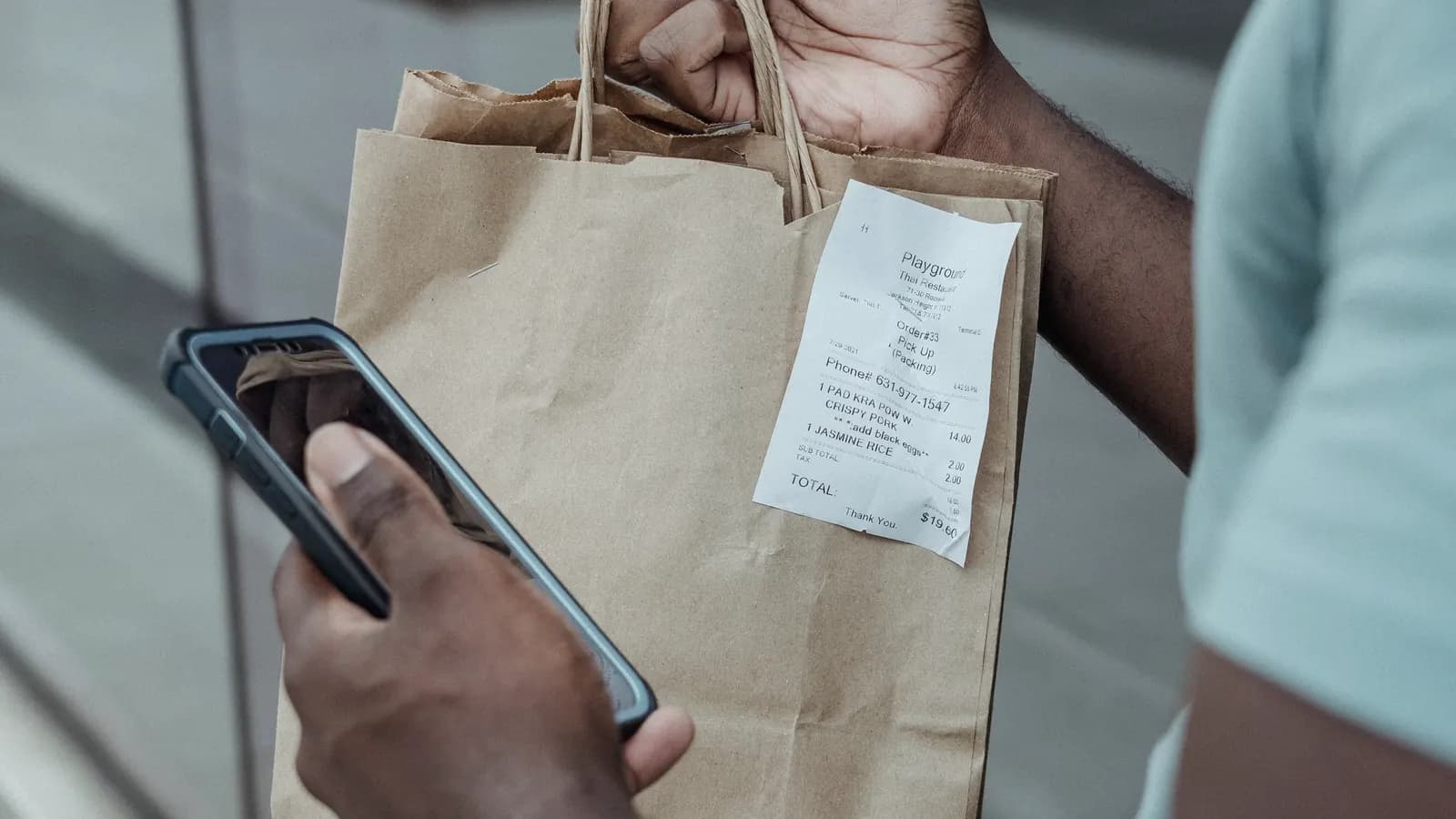
Yes. Inland Revenue accepts photos and scans of receipts, and you do not have to keep the paper once you have a good electronic copy.
The rules are in SPS 21/02, Inland Revenue's standard practice statement on keeping business records in electronic form. It replaced SPS 13/01 in May 2021, which is why older articles quoting "SPS 13/01" describe a statement that has been withdrawn.
The legal footing is the Contract and Commercial Law Act 2017, which lets a duty to keep a paper document be met by keeping an electronic form of it, if the electronic form reliably maintains the information and stays readily accessible. SPS 21/02 explains how Inland Revenue applies that to tax records.
The rule most people miss: records belong in New Zealand
Business records must be kept in New Zealand unless Inland Revenue approves otherwise. That applies to electronic records too. Inland Revenue's record keeping page says that if you store records offshore, "including cloud computing", you or your provider need its approval.
SPS 21/02 has a practical way through (paragraph 43): if a backup is kept in New Zealand, the requirement is met and no approval is needed. A copy on your own laptop, or on a drive at home, is enough.
What a photo of a receipt needs to show
A photo is only as good as what can be read from it. Make sure it shows:
- Who you paid. The supplier's name, and for purchases over $200 their GST number if you are claiming the GST.
- When. The date of the purchase.
- What. A description of what you bought, not just a total.
- How much. The total paid, and the GST or a statement that the price includes GST.
Get the whole slip in frame, flat and in focus. Anything printed on the back, such as terms or a handwritten note, belongs in the record too.
Why photograph receipts at all
Most till slips are thermal paper. Heat, sunlight and the inside of a wallet fade them, often well before the seven years you have to keep them. A receipt photographed the day you get it is captured at full contrast. One found in the glovebox at tax time may already be unreadable, and an unreadable record will not help you if Inland Revenue asks about an expense.
Receipts that are already electronic
An emailed invoice or PDF receipt is already an electronic record, and SPS 21/02 treats it that way. Keep it in the form you received it, along with anything needed to show who sent it and when. The simplest habit is to forward emailed receipts to the same place you keep your photos, so everything is in one set of records.
Sources
Common questions
Can I take photos of receipts for my tax records in New Zealand?
Yes. Inland Revenue's standard practice statement SPS 21/02 accepts records kept in electronic form, including images of paper receipts, as long as the copy is complete, accurate and readable and can be produced when Inland Revenue asks for it.
Can I throw away the paper receipt after photographing it?
Yes. SPS 21/02 says paper records whose complete information has been transferred to electronic form may be destroyed after the transfer. Check the photo is legible first, because the photo is now the record.
Is a black-and-white scan good enough?
Yes, unless the colours on the original matter to understanding it. SPS 21/02 says so explicitly.
Can I store receipts in a cloud app based overseas?
Records held offshore need Inland Revenue's approval, unless a backup is kept in New Zealand. Keeping a regular export on a computer or drive in New Zealand meets that requirement without applying.
Every figure on this page is checked against Inland Revenue's own guidance and linked in the sources above. Last checked . Thresholds change each tax year, so if you are reading this well after that date, confirm the current figures before you rely on them. Terms.
Keep reading
How long do you need to keep receipts for Inland Revenue?
Seven years after the end of the tax year they relate to. What counts as a business record, when the clock starts, and where the records must be kept.
ReadGST receipts in New Zealand: what a receipt must show to claim GST
Tax invoices were replaced by taxable supply information in 2023. What a receipt needs at $200 and $1,000, and how to work out the GST in a price.
ReadCan you claim business expenses without receipts in New Zealand?
Sometimes, but the burden of proof is on you. What Inland Revenue expects, what can stand in for a lost receipt, and why GST claims need more.
Read